It is possible to log in to Recrur using a mobile ID, Smart-ID and / or ID card.
This option requires that you – as a Recrur user – have entered your personal ID number in Recrur. It can be entered under settings:
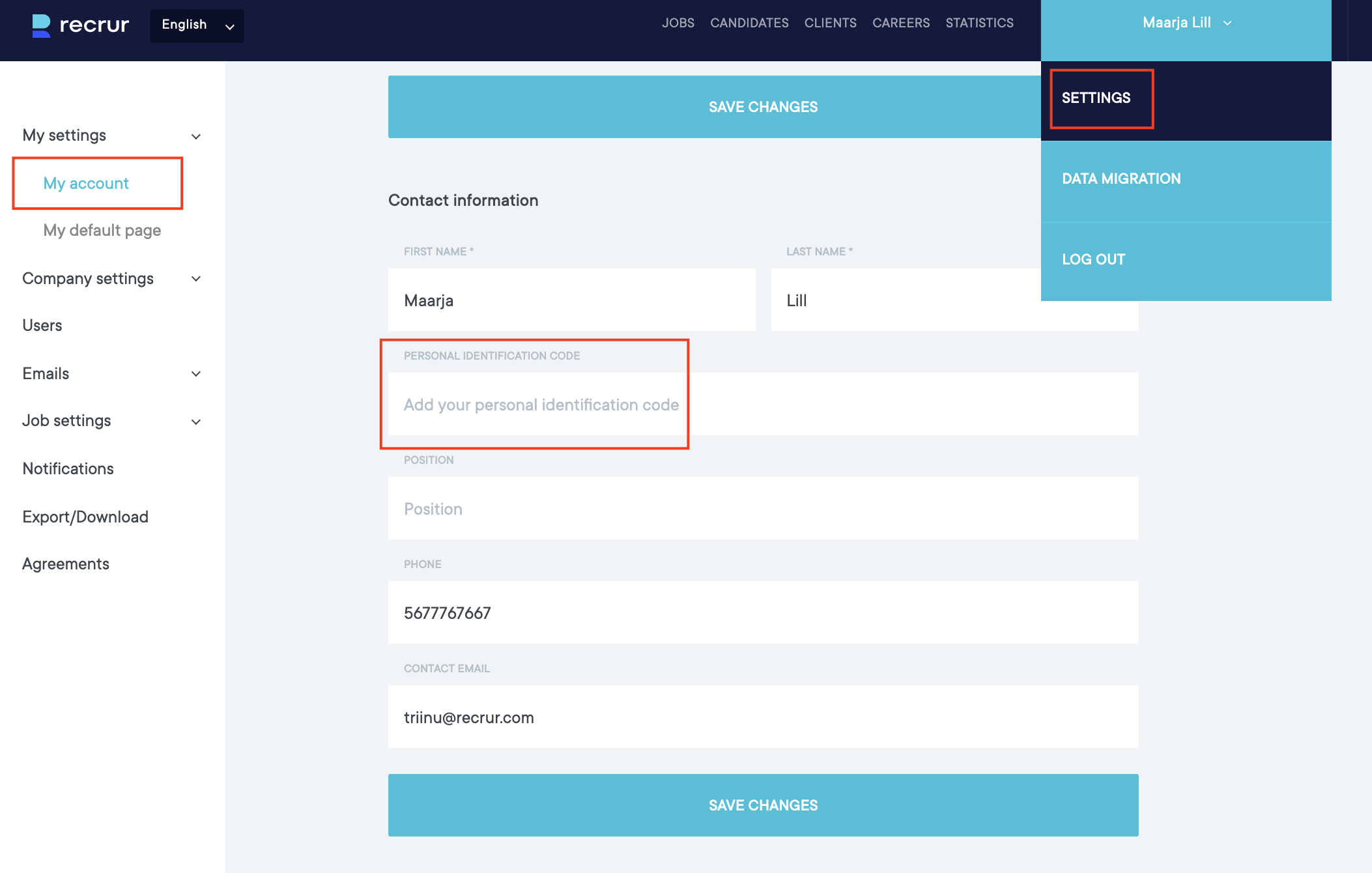
If your personal identification number has been added and saved, the ID login will be working for you, the next time you log in.
Mobile-ID and Smart-ID work if these services are activated for you (ie also work in other environments)
You can now use the second button to log in (and you don’t have to fill in your username/password!):
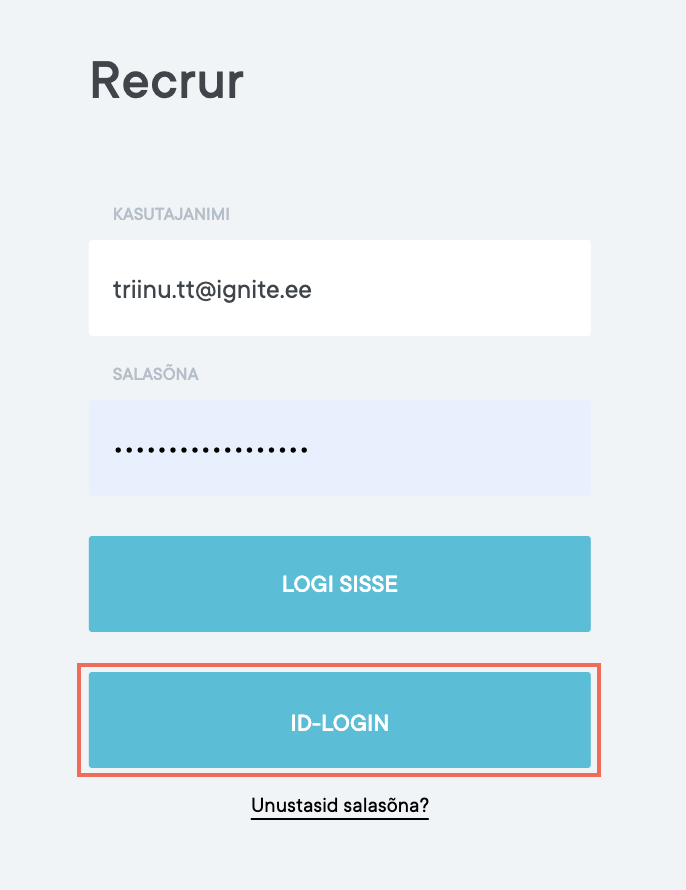
Clicking this button will take you to a new view where you can choose how you want to log in:
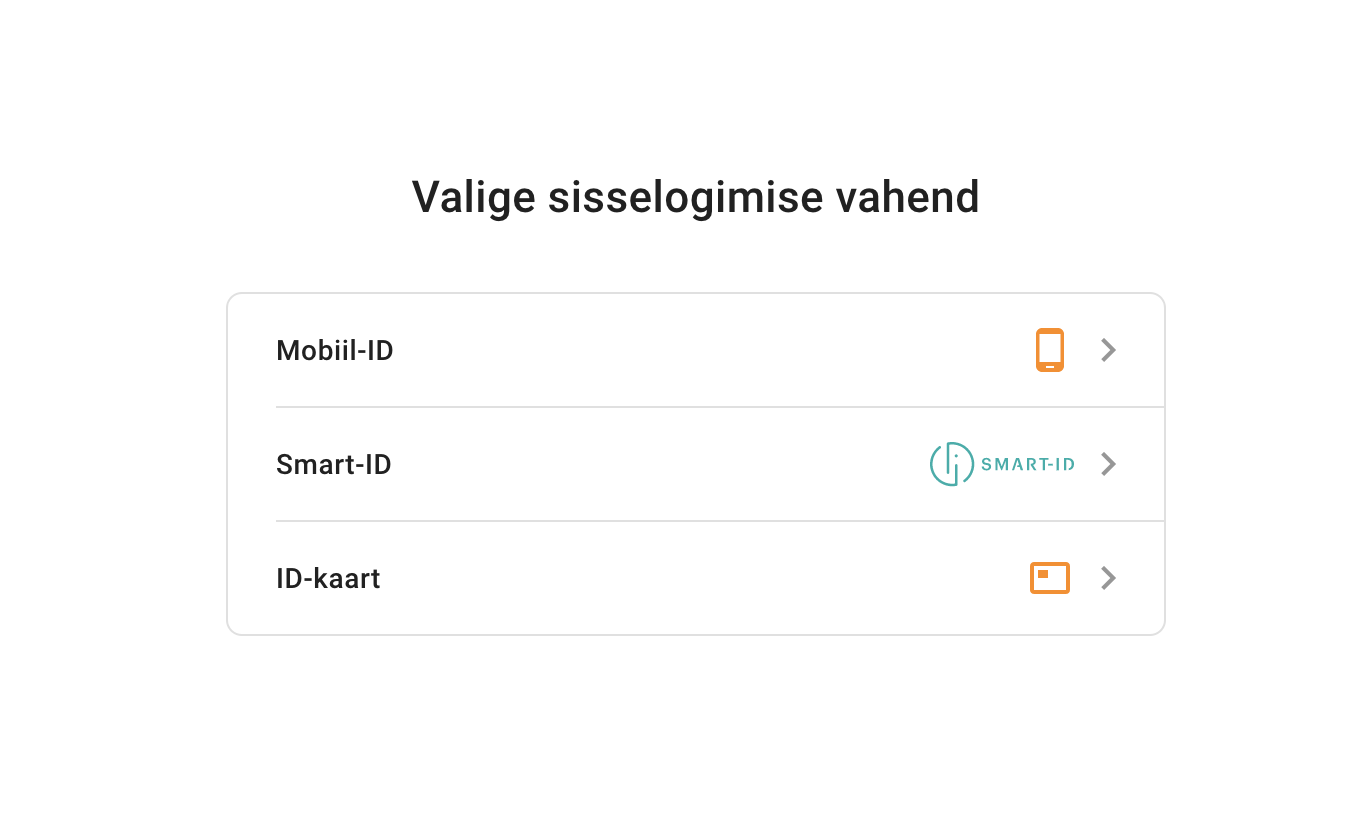
After making the selection, you must enter the required data (depending on the selection) and if the data is correct, Recrur will be able to log you in to the correct account!